
Google Chrome Gets “Skills” Feature to Save and Reuse AI Prompts Instantly

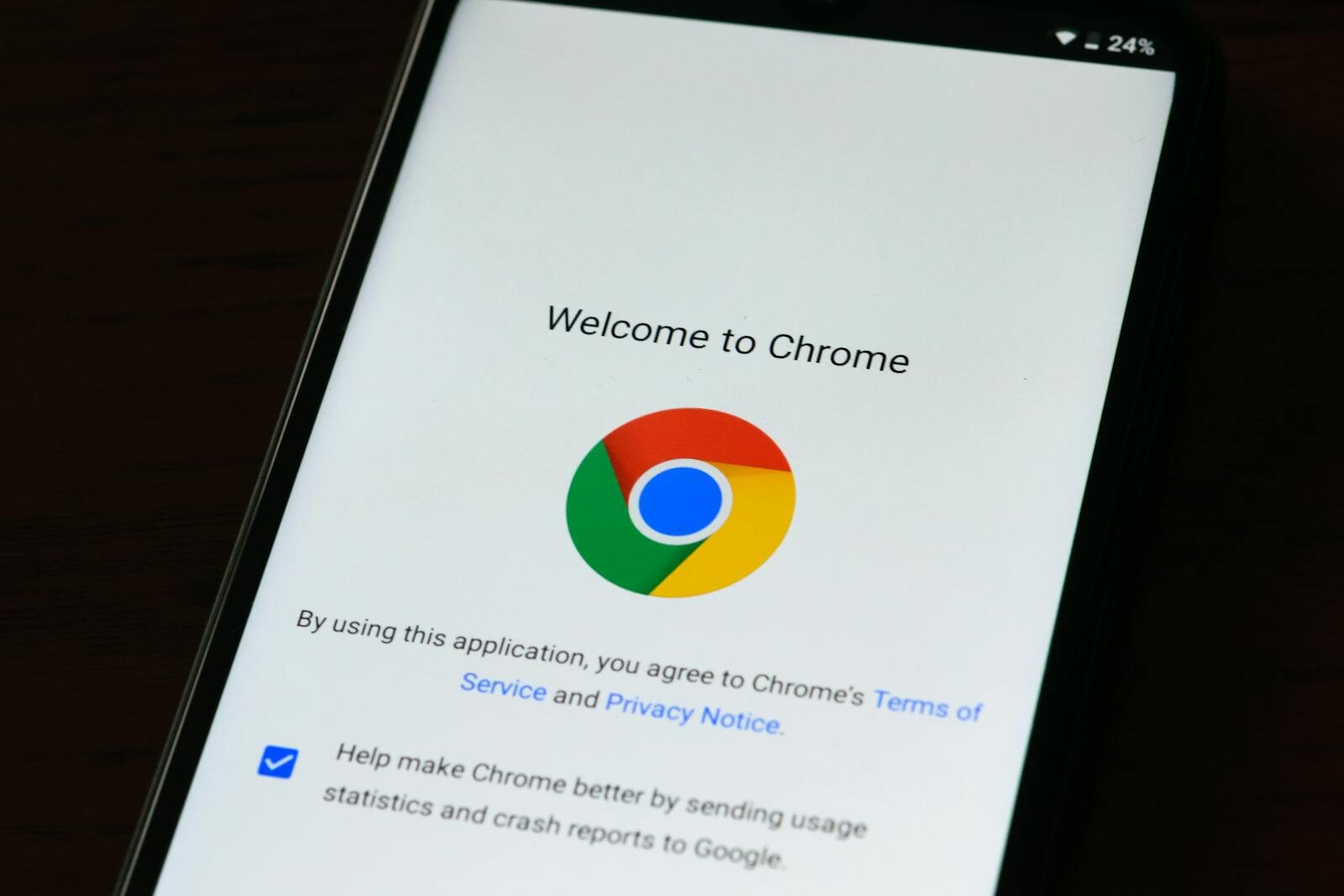
Google has added a new capability to Chrome that addresses one of the more practical frustrations of daily AI use: having to retype the same prompt every time you visit a new page.
The feature, called Skills in Chrome, allows users to save their most useful Gemini prompts and run them on any webpage with a single click. It began rolling out on April 14, 2026, and is available on Mac, Windows, and ChromeOS for users with their browser language set to English (US).
What Skills Actually Does
The premise is straightforward. If you find yourself repeatedly asking Gemini the same kind of question — say, calculating nutritional values from a recipe, or pulling out key figures from a lengthy document — you can now save that prompt as a “Skill.” The next time you need it, you call it up in Gemini in Chrome by typing a forward slash (/) or clicking the plus (+) button. The Skill then runs against whatever page you’re on, or across multiple selected tabs at once.
According to a post by Hafsah Ismail, Product Manager at Chrome, early testers have put the feature to use for tasks ranging from generating product spec comparisons across browser tabs to scanning long-form documents for specific information. Users can edit saved Skills or create new ones at any time.
A Built-In Library for Common Tasks
Beyond personal prompts, Google is also shipping a pre-built Skills library containing ready-to-use workflows for everyday scenarios. The examples given include breaking down a product’s ingredient list from an online listing, or cross-referencing a gift budget against a recipient’s interests across multiple tabs.
Users who find a library Skill useful can save it directly, and those who want something more tailored can customise the underlying prompt to fit their specific needs.
Privacy and Security Guardrails
Google has positioned Skills within Chrome’s existing security framework. The feature applies the same safeguards already in place for Gemini in Chrome, which means certain actions — such as adding calendar events or sending emails — will require user confirmation before proceeding. Google says Skills also benefit from Chrome’s automated red-teaming and auto-update protections.
For users signed into Chrome, saved Skills sync across desktop devices, meaning a workflow saved on one machine will be accessible on another without any additional setup.
A Practical Addition for Productive Browsing
The feature does not represent a fundamental shift in how AI is integrated into the browser. What it does is remove a layer of repetition that has, until now, made AI-assisted browsing less efficient than it could be. For professionals, students, and researchers who rely on structured prompts to process web content — a growing use case across markets including Nigeria and broader West Africa — the ability to build and save reusable workflows without leaving the browser has obvious utility.
Chrome remains the dominant browser across Africa by a significant margin, making updates of this kind broadly relevant to the continent’s internet users.